Services Control Panel
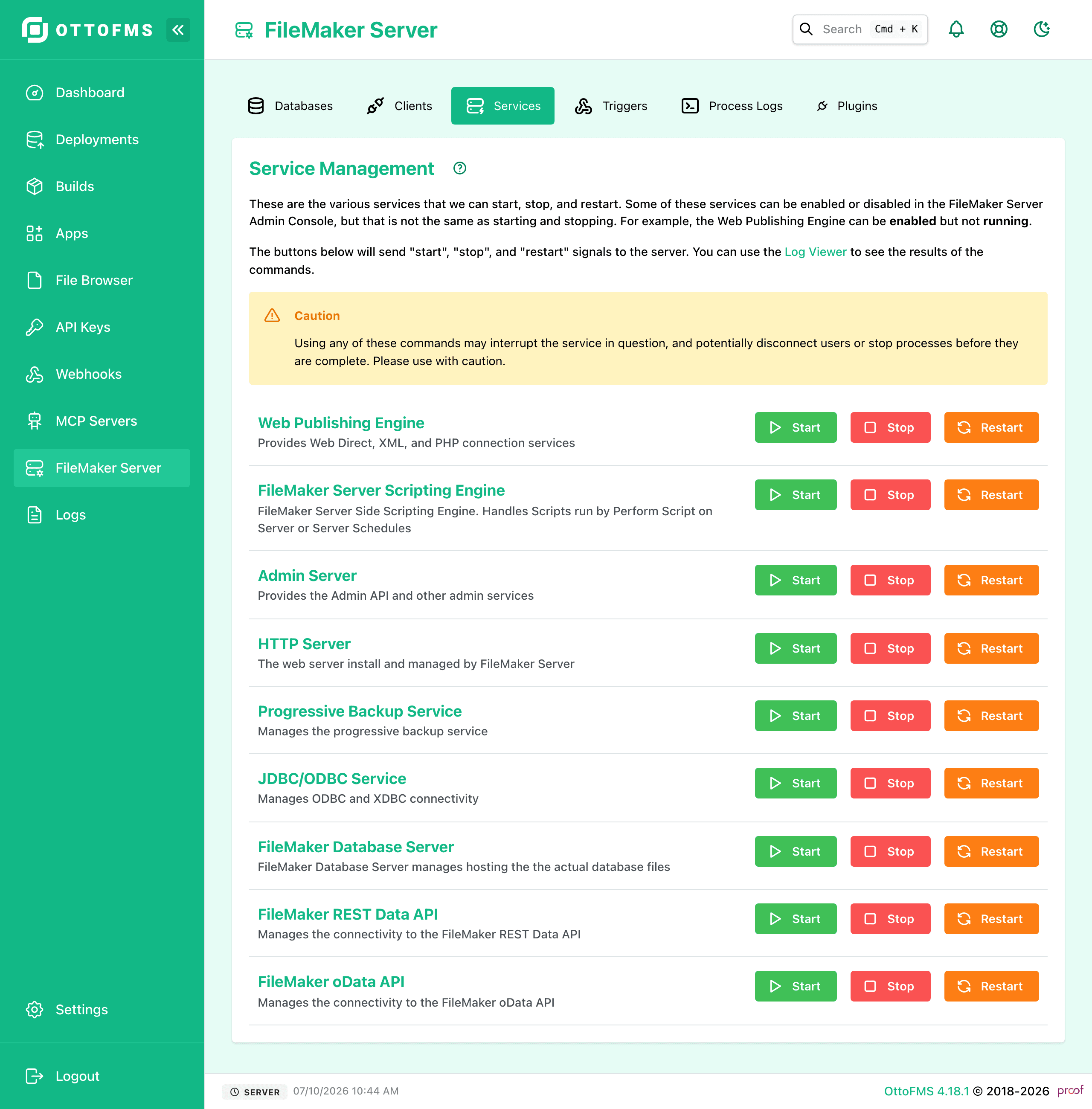
Start, stop, and restart FileMaker Server's individual sub-services to recover hung or non-responsive processes.
Be careful Stopping, or restarting services can lead to processes not completing. These should only be used when you believe the process or service in question is already hung or otherwise non-responsive.
From this page you control most of the separate sub-services of the server. You can start, stop, restart each service.
Was this page helpful?
Connected clients
View everyone connected to your FileMaker Server, message or disconnect clients individually or in bulk, and see which files each one has open.
FileMaker Triggers
Create and manage FileMaker Server data change triggers through a simple UI, enabling data syncing without scripting the OData API directly.