Dashboard
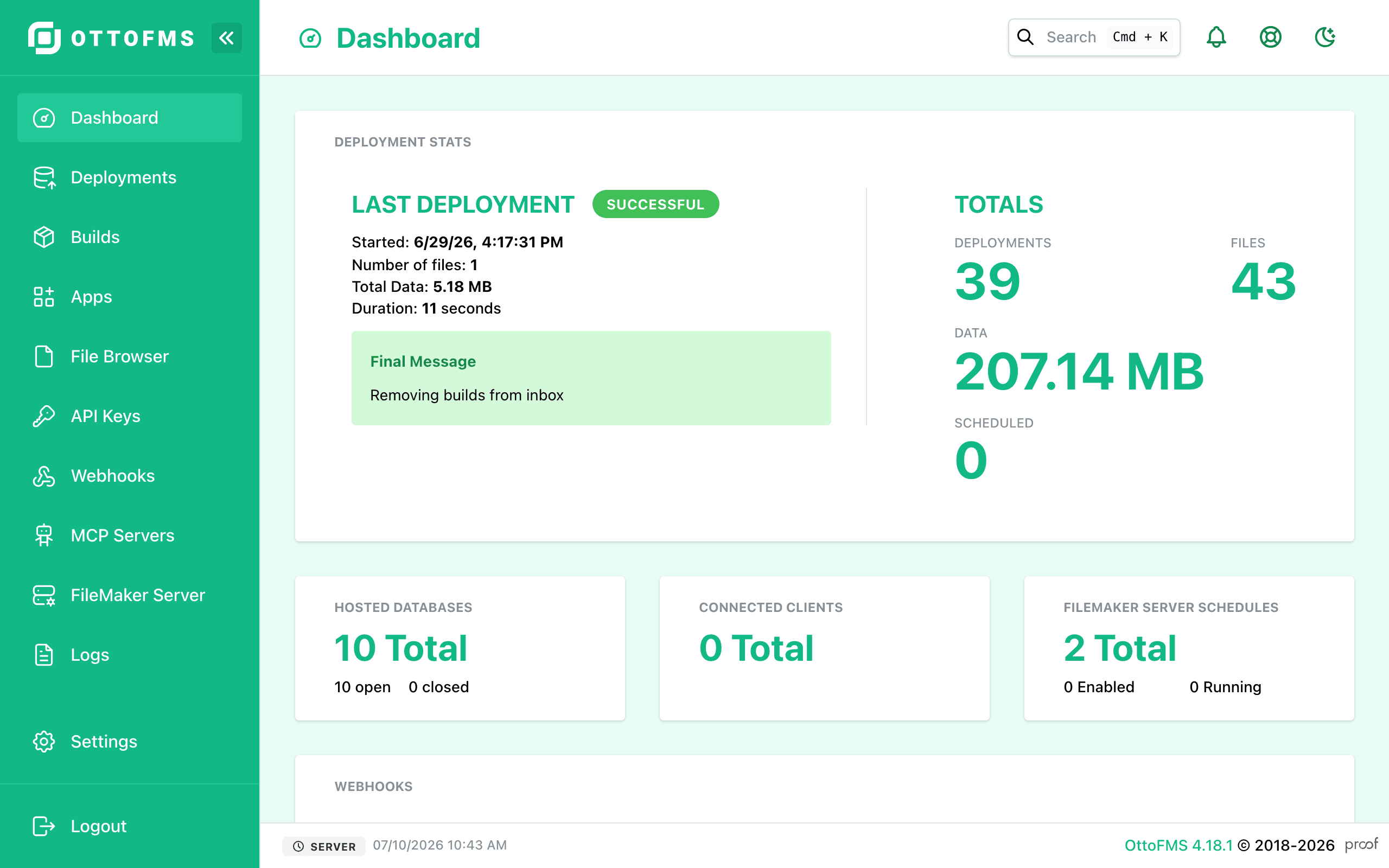
Get an at-a-glance overview of your FileMaker Server's status and deployment statistics, with quick links to every other OttoFMS Console page.
The dashboard is the home page of the OttoFMS Console. It has an overview of the current state of the system, and links to the other pages of the console.
The statistics in the top right of the dashboard are based on existing data, if you delete any deployments from the deployments tab, those deletions will be reflected in these statistics.
If OttoFMS detects that this is a fresh, unconfigured server, the dashboard shows a prompt to import a Config Transfer bundle exported from another server, so you can quickly restore your settings, backup remotes, and more.
Theme variations
The console's appearance is customizable — you can switch between light and dark mode, change the sidebar style, and pick a color. For more information, see Customizing OttoFMS.
Was this page helpful?