Settings
Settings for the Ottomatic Cloud Console
You can manage your user settings from the "My Settings" tab in the Ottomatic Cloud Console. Here you can manage your profile, security settings, and console appearance.
Profile
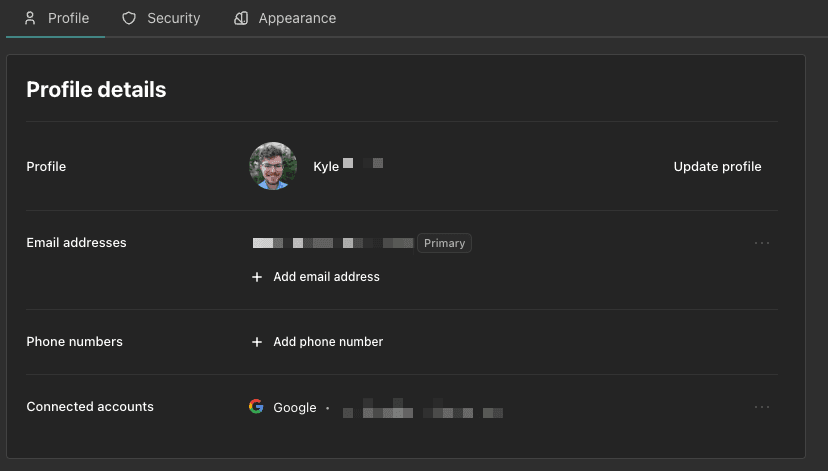
The Profile tab allows you to manage your name, profile picture, emails, and phone numbers. It also allows you to manage connected social accounts.
Security
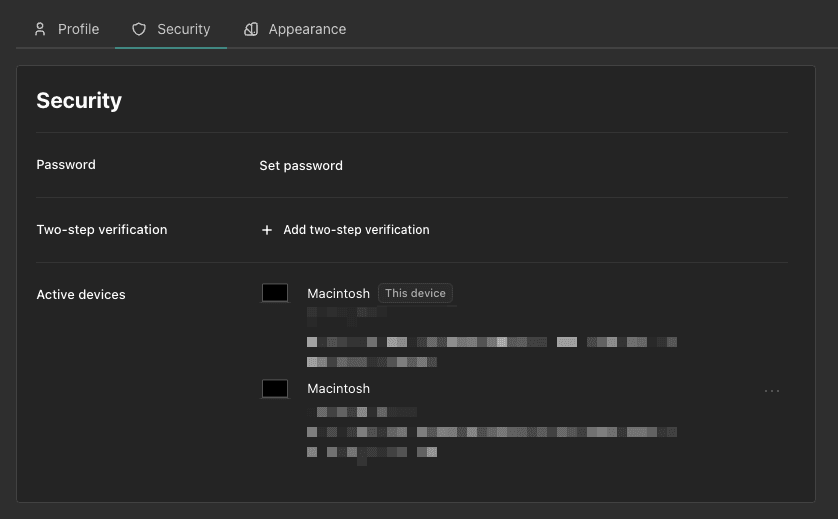
The Security tab lets you manage your password, set up two-factor authentication (using an authenticator app, with backup codes provided in case you lose access to it), and add passkeys for password-less sign-in.
Appearance
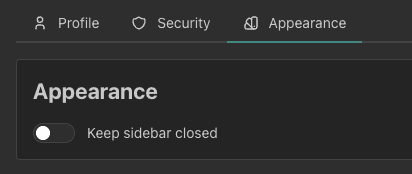
The appearance tab lets you manage the appearance of the console. Currently the only setting here is for the sidebar, which allows you to keep it to closed. When this setting is turned on the sidebar will open when you click to open it and close once you select a page to navigate to.
Was this page helpful?