Support
Check service status, browse the docs and community forum, and submit or track support tickets, all from the Cloud Console's Support page.
The hub of support in the Cloud Console is on the Support Page. Here you can:
-
Check the status of Ottomatic services
-
Head to the docs for help (congrats you made it!)
-
Go to the Proof community forum
-
Open a support ticket
-
View your existing support tickets
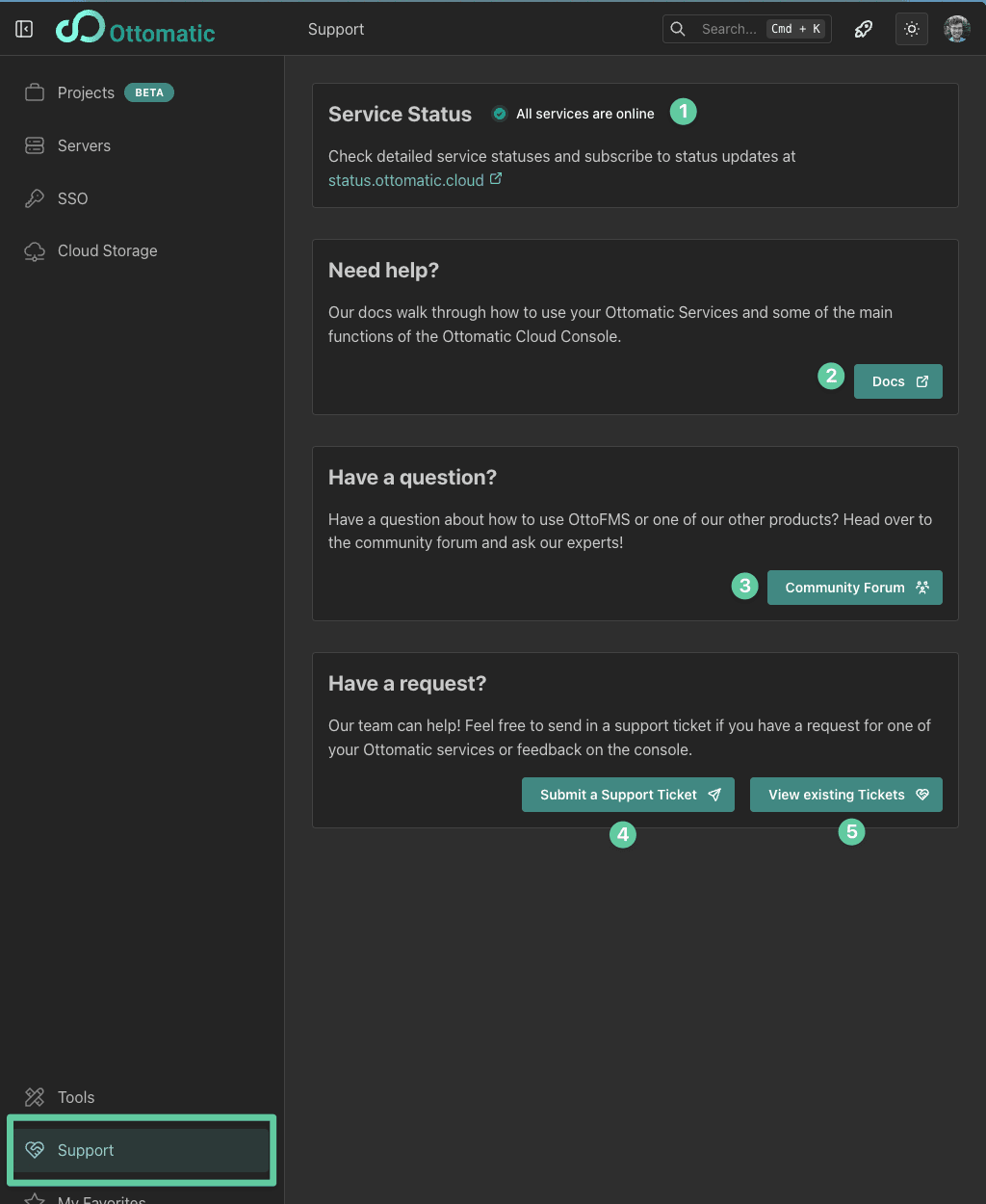
If you have an issue with your Ottomatic services, the first place to check is the status page. Here you can see the current status of all Ottomatic services.
If your issue is not specific to one of your services, we ask that you post a new topic in the Proof community forum. This is a great place to get help from the community and the Ottomatic team. It also makes sure that if others are having the same issue they can find a solution as well.
Support Tickets
If you are subscribed to services through Ottomatic, you can open a support ticket right from the Ottomatic Cloud Console. Each server, IAM realm, or storage location has a support option in its menu that will pre-fill a support ticket with the necessary information.
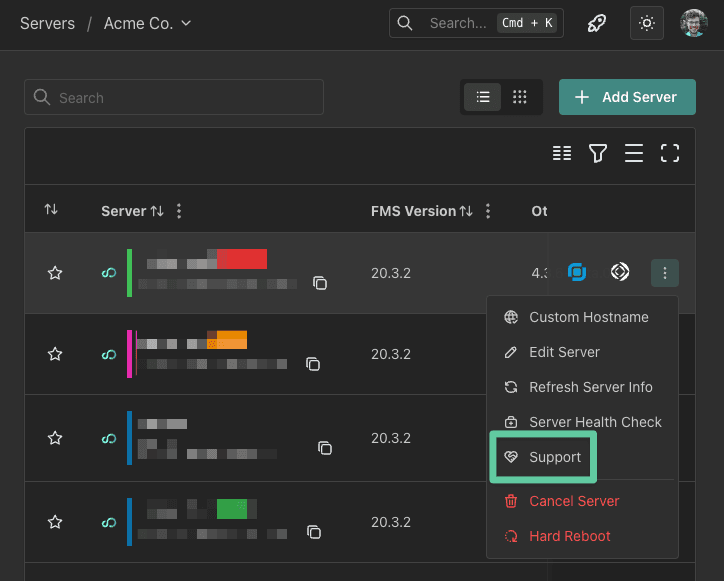
When submitting a support ticket, please provide as much information as possible to help us resolve your issue quickly. This includes:
-
A detailed description of the issue
-
Steps to reproduce the issue
-
Any error messages you have received
You can also attach up to 5 images (2 MB each; JPEG, PNG, WebP, or GIF) to your ticket. Screenshots of errors or unexpected behavior help us resolve issues faster.
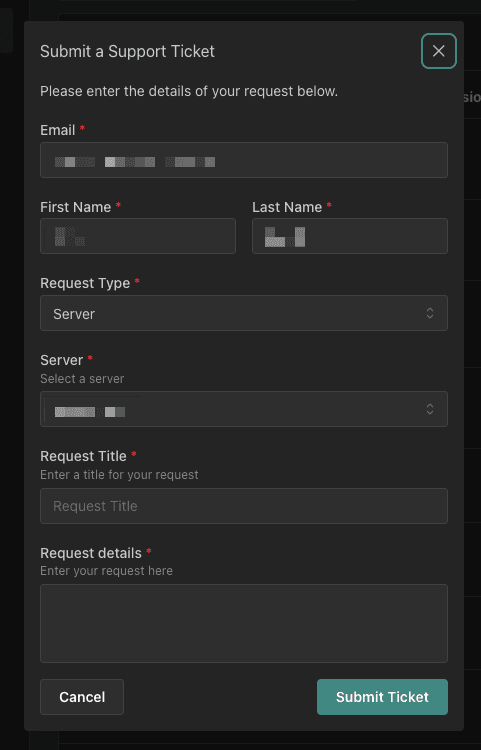
If you cannot submit a support ticket through the cloud console, see our other support options
To see your existing support tickets, go to the support page and click the "View existing tickets" button.
Was this page helpful?