Use SimpleQ to receive webhooks
Install SimpleQ from OttoFMS in one click to queue and process incoming webhooks asynchronously with FileMaker Server Side Scripting.
SimpleQ implements a background processor queue using a FileMaker File and FileMaker servers's Server Side Scripting engine. It is designed to be used with the OttoFMS's webhooks feature.
Learn more about SimpleQ at https://simpleq.proofgeist.com
Getting SimpleQ on your server
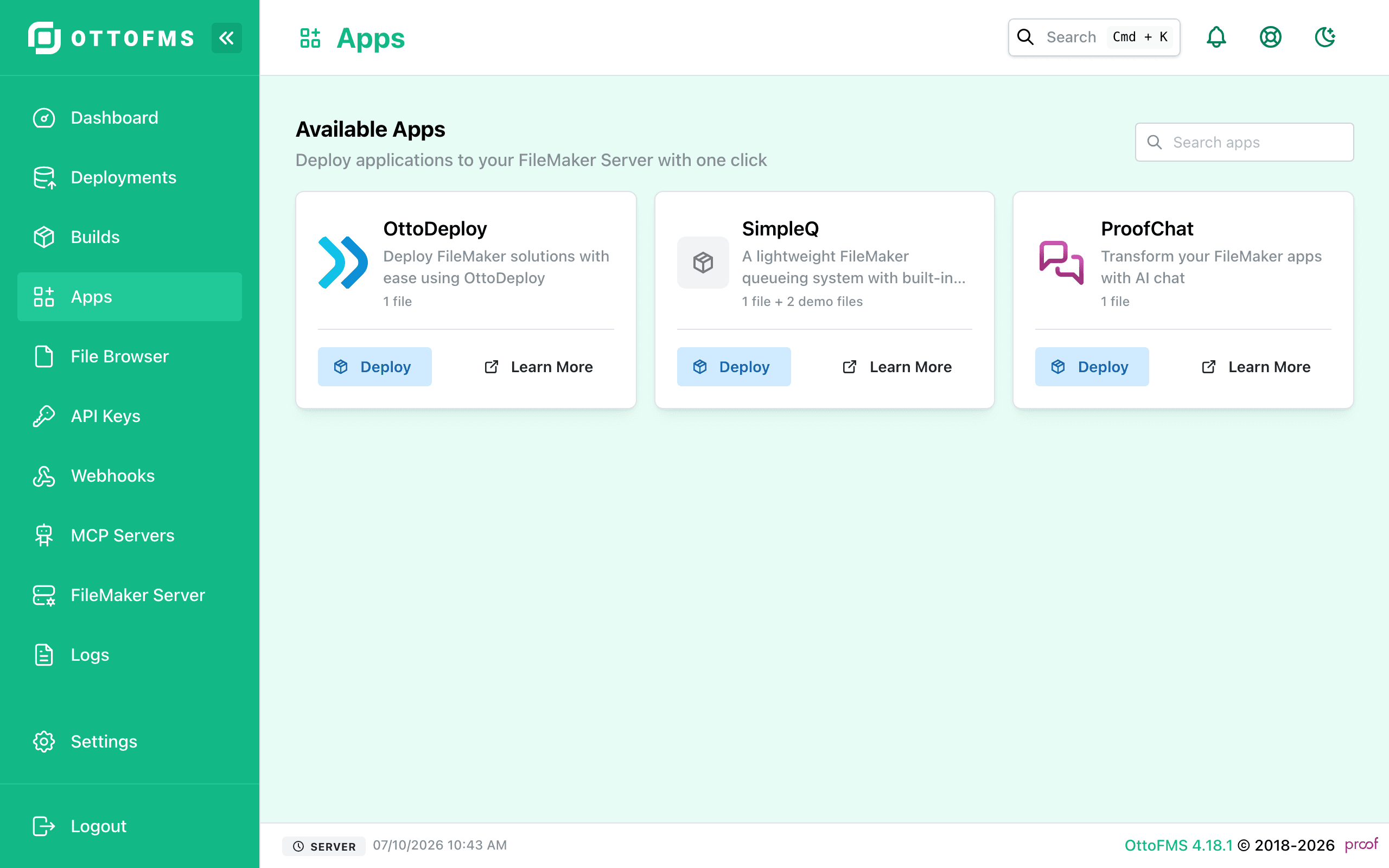
If you have OttoFMS installed on your server, you can install SimpleQ with a single click.
- Navigate to the Apps page in OttoFMS.
- Look for the SimpleQ card and click the "Install" button. See image below.
- Click the "Deploy now" button. See image below.
Was this page helpful?