Installing OttoDeploy
Install OttoDeploy, the FileMaker file that runs deployments between your OttoFMS-powered servers, either through OttoFMS or locally.
OttoDeploy is a FileMaker file that helps you run deployments between your FileMaker servers powered by OttoFMS.
You only need 1 copy of OttoDeploy to manage multiple installs of OttoFMS. We recommend hosting it on your "development" server for the best experience. This allows you to share access with your team and keep it easily upgraded when new versions are released. It will run as a local FileMaker file on your desktop, but you would need to migrate your data when a new version is released manually.
Install via OttoFMS
After you login to your OttoFMS dashboard for the first time, you can install OttoDeploy from the OttoFMS Apps page.
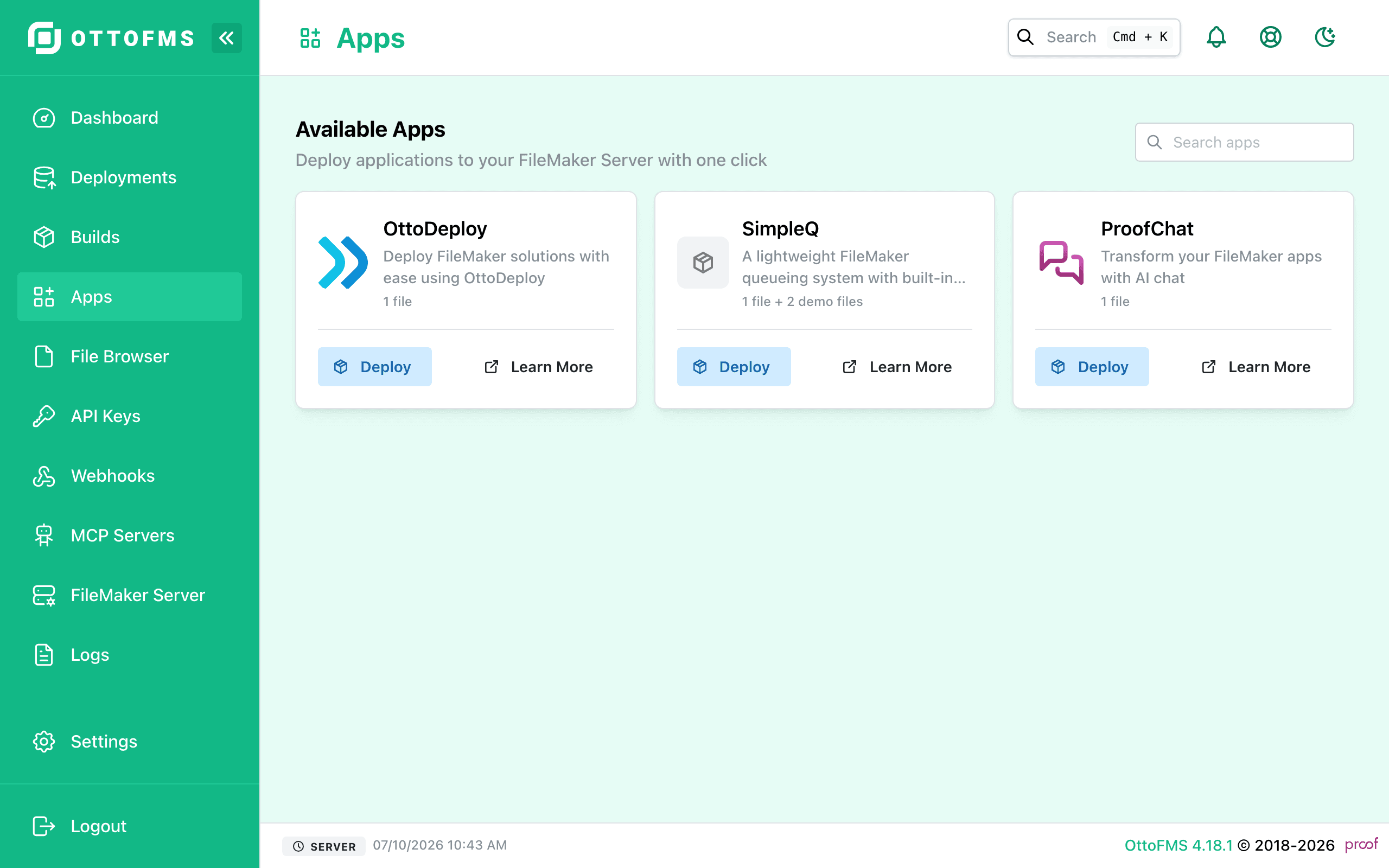
This method requires that your server can reach out to https://downloads.ottomatic.cloud, which is the site we distribute OttoDeploy and OttoFMS builds from. If you are using a firewall or other network security tools, you may need to add an exception for this domain.
🔒 Security Warning
OttoDeploy needs to have access to your FileMaker Servers and your FileMaker Files. You will enter these credentials into the OttoDeploy into fields in the database.
This is why the file ships with an encryption key that you should change.
This is also why we give you the file to host and manage. You should setup passwords and privileges to protect this file as you see fit.
Default Credentials
Username: admin
Password: admin
Encryption Key: Ottom@tic
You should change these values after installing on your own server!
Was this page helpful?
Installing OttoFMS
Check preflight requirements, then install OttoFMS on Linux, Windows, or macOS and complete post-installation setup in the web console.
First Deployment
Walk through a simple test deployment between two servers, with a video guide, to confirm OttoFMS and OttoDeploy are set up correctly.